
Digital Painting 1: Painting From Imagination
Digital Painting 1 is an online course on painting from imagination, taught by artist and illustrator Marco Bucci. It's made for beginner to intermediate digital painters: you watch Marco paint a complete fantasy environment in real time and explain how he works through composition, storytelling and a traditional feel in Photoshop. You get 4 hours of video across 8 self-paced lessons and a Photoshop brush pack, with lifetime access in the Digital Painting Foundations Bundle or the Complete Digital Painting Mastery System.
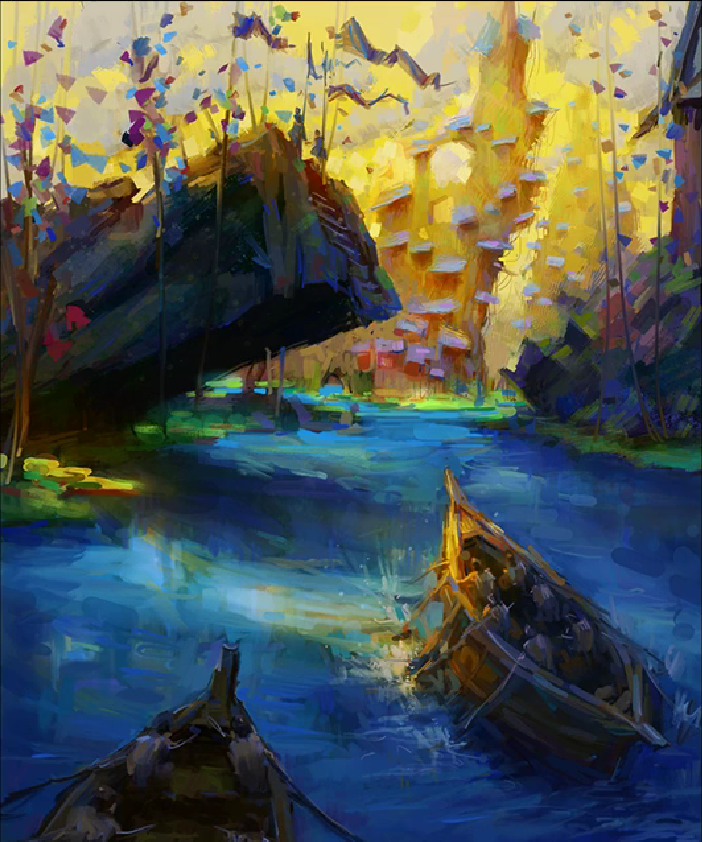
Struggling to paint from your imagination?
- A photo to copy is one thing. A blank canvas is where you freeze.
- You don't know what to paint, or where to start.
- Your work comes out stiff, or you overwork it into mud.
- You're buried in layers and still feel lost in the file.
- Rendering a single object is fine, but the whole image never holds together.
- You want your digital paintings to feel handmade, not plastic.
How I paint from imagination
Painting from imagination is a skill you can build, the same as any other. In this course I take one fantasy environment and paint it in full, in real time, talking through every decision as I make it. You'll see how I lean on a handful of foundational principles to get unstuck, how I let the image reveal itself while I work, and how I push Photoshop to give digital work the feel of traditional media.
Digital Painting 1 ›
Brush Pack ›
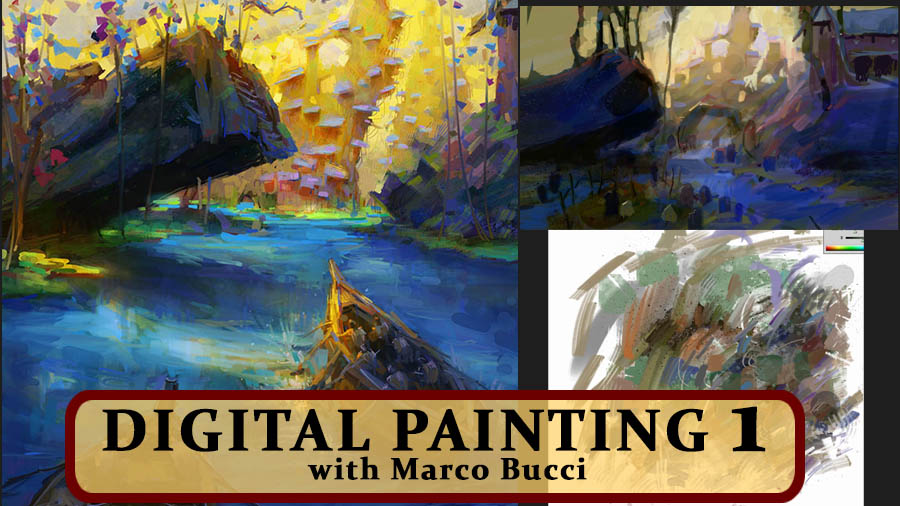
By the End of This Course,
You'll Be Able To:
Approach composition and storytelling as a set of problems you know how to solve.
Watch a fantasy environment built from scratch, with every decision explained as it happens.
Use Photoshop to give your digital work the look and texture of real media.
What Students Are Saying
I love the way you play with colour and the apparent chaos of your strokes that eventually become fine pieces of art. The single-layer process is challenging and traditional, and so is the result.
Amazing courses. Great balance between theory, technique and practice, which gives us the right tools and motivation. Exactly what I expected from Marco after seeing his YouTube videos.
These videos have revolutionized how I apply colors, in my mind and in my art. This has been so helpful in bettering my skills.
Get Digital Painting 1 in a Bundle
Digital Painting 1 is available as part of these two bundles.
- Getting Started with Digital Painting
- Digital Painting Courses 1, 2 & 3
- Digital Brushwork Techniques
- Marco's Brush Pack
- Also included:
- 1-month community access (exclusive livestreams, Q&A, challenges, critiques)
- Free Audiobook: Creativity & the Campfire
- Getting Started with Digital Painting
- Digital Painting Courses 1, 2 & 3
- Digital Brushwork Techniques
- Color Survival Guide
- Understanding & Painting the Head
- Using 3D Techniques with Digital Painting
- Marco's Brush Pack
- Also included:
- 6-month community access (exclusive livestreams, Q&A, challenges, critiques)
- Free Audiobook: Creativity & the Campfire
- Extended Brush Pack
Marco Bucci
I'm a professional concept artist and illustrator with over 15 years of experience in the entertainment industry. I've worked with major studios including Disney, Dreamworks, and various game development companies.
What I care about most now is helping artists understand the principles behind great work. Through my courses and community, I've reached over a million artists online and helped them develop their skills and grow as artists.
No matter where you are in your practice, the way I teach fundamentals will change how you see and approach your paintings.

Frequently Asked Questions
Is Digital Painting 1 for beginners?
How is this course taught?
What software do I need?
How do I get this course?
What should I take after this?
Does this course come with brushes?
How long do I have access?
Is there a money-back guarantee?
Can I add a course certificate to my LinkedIn or resume?
I've seen this course on other sites. What's the difference?
Ready to Start Painting?
Sit beside me for a full painting, and learn how I solve the problems as they come up.